



Test the linked pixel on your Smartlink
Error: Smartlink is not tracking my events in Meta
- 1.
Open Meta Events Manager
- 2.
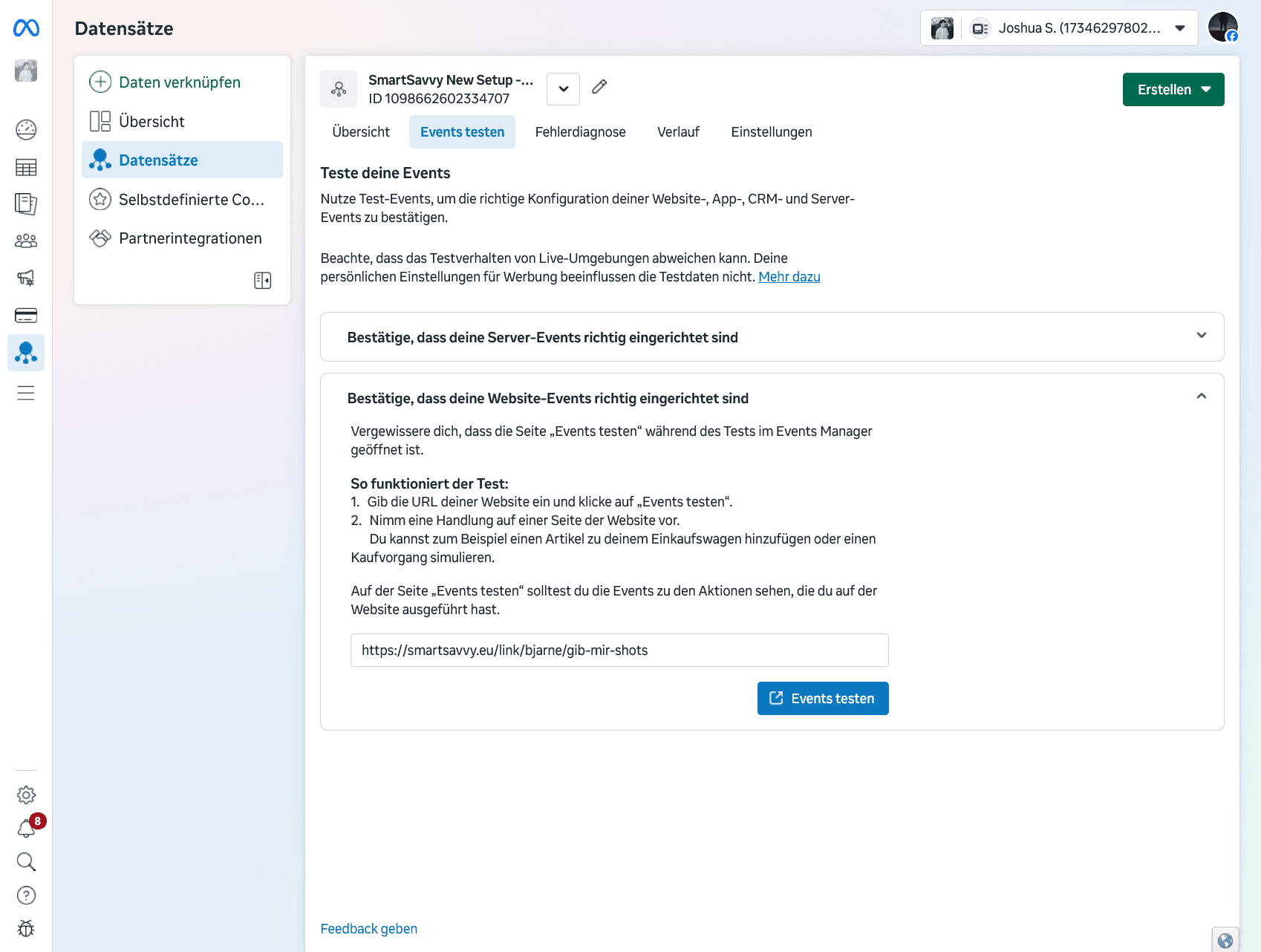
Click Datasets and select the dataset linked to your link
- 3.
Go to Test events and open the tab Confirm that your website events are set up correctly
- 4.
Enter your Smartlink URL in the field and press Test events
If events are already showing, you can press Clear activity
If you set up your pixel as described in the help article (My campaign isn't getting results), you can use this guide anytime to verify your pixel integration